Takes some fettling to get it Inline pics right here as well, and could use some finetuning.
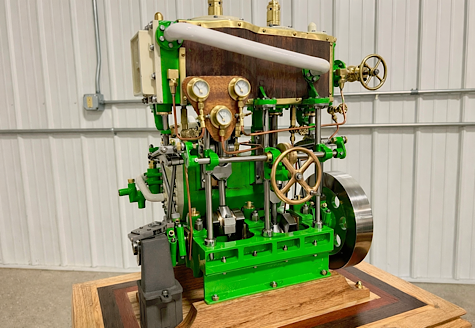
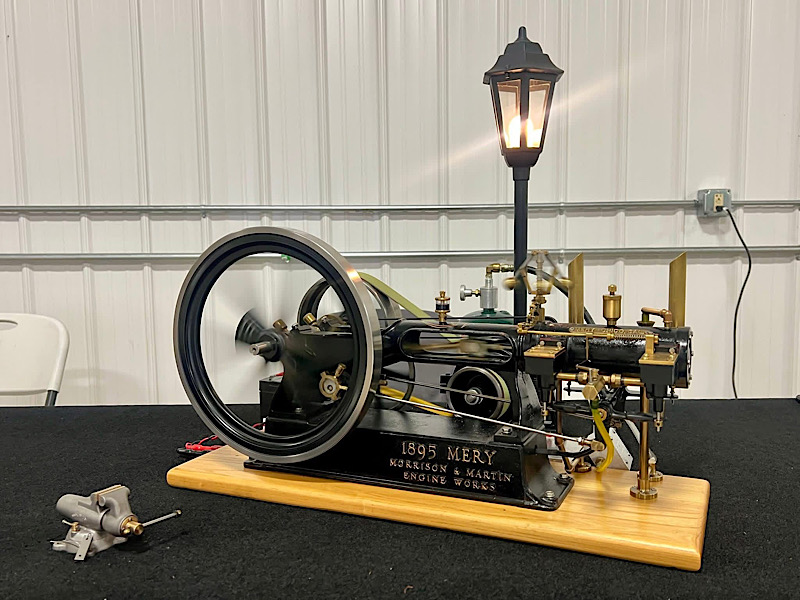
I choose a picture, then click "End of post expandable thumbnail" and then "Inline fullsize image" in the dropdown menu, which will put the attachment part mentioned by Carl in place, and show a fullsize picture once posted.
If more pics is wanted in the post, then choose (more attachments) below the "Attach" menu, and the same over again for every picture needed.
Note that i reduce my pics to 800 or 1000 pixel before upload !
Perhaps there could be issues, if one just dumps huge pics in here, which won´t fit within the standard "borders" of this place?
As i see it, the Inline fullsize option have no resizing, and does not offer big pics some sort of dragging bars, to fit them correctly within the natural space here.
If that´s correct, the only option would be a thumbnail opening in its own window.
If that makes any sense...



 Home
Home Search
 Today's Posts
 Login
Login Register