Office of Steam Logo_1

Author Topic: Who among us can upload for full picture display instead of thumbnail.?  (Read 1300 times)

  • Administrator
  • Engineer
  • *****
  • Posts: 5070
  • Location: Connecticut - USA
Who among us can upload for full picture display instead of thumbnail.?

MrsRedRyder still loading thumbnails even when re-selecting full size inline picture.

Anyone else, please add here. After I get a good indication I will get this thread moved to our Feedback, Improvements, and Suggestions board.

Feel free to test here.

  • Full Member
  • ***
  • Posts: 356
  • Location: Michigan
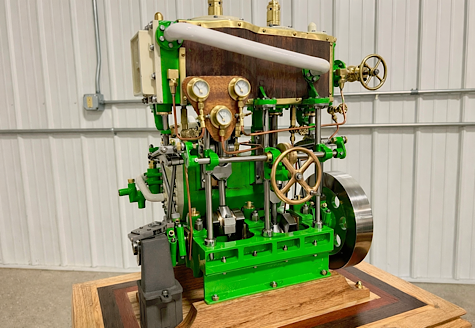
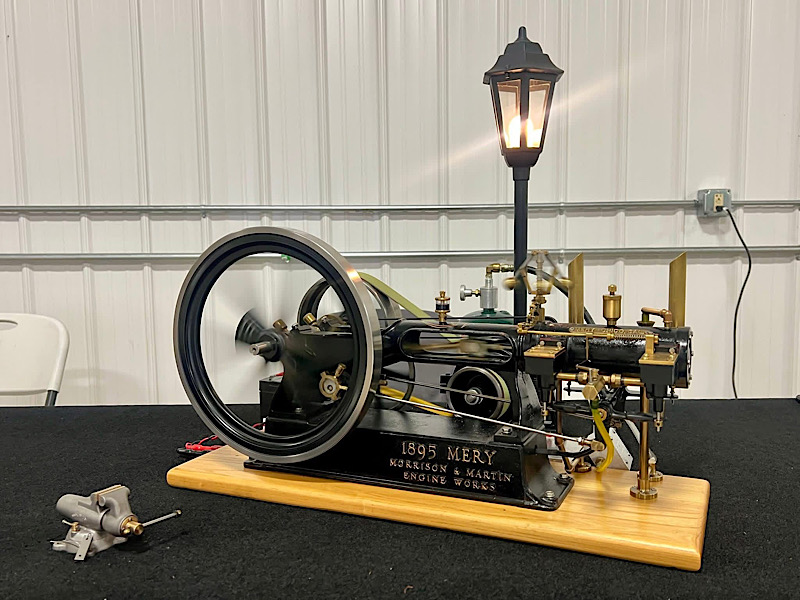
Here is a full-size 1.3 MB

I found that you have to the word attachimg= in order to get full-size.
Does the Preview button work for you ?
[ Guests cannot view attachments ]

Carl "There is a better way for everything. Find it."TAE


  • Full Member
  • ***
  • Posts: 356
  • Location: Michigan
Here is a full-size 1.3 MB

I found that you have to the word attachimg= in order to get full-size.
Does the Preview button work for you ?
(Attachment Link)

See what I mean .
Carl "There is a better way for everything. Find it."TAE


  • Jr. Member
  • **
  • Posts: 245
  • Crisis?...What crisis?
  • Location: Gurnee Illinois USA
I can get one full size but the second attachment is always a thumbnail despite selecting full size. FRUSTRATING.
PAUL
Civilization is the limitless multiplication of unnecessary necessities.

  • Global Moderator
  • Hero Member
  • *****
  • Posts: 2529
  • Location: Jutland
    • www.SteamUp.dk
Takes some fettling to get it Inline pics right here as well, and could use some finetuning.


I choose a picture, then click "End of post expandable thumbnail" and then "Inline fullsize image" in the dropdown menu, which will put the attachment part mentioned by Carl in place, and show a fullsize picture once posted.


If more pics is wanted in the post, then choose (more attachments) below the "Attach" menu, and the same over again for every picture needed.


Note that i reduce my pics to 800 or 1000 pixel before upload !


Perhaps there could be issues, if one just dumps huge pics in here, which won´t fit within the standard "borders" of this place?
As i see it, the Inline fullsize option have no resizing, and does not offer big pics some sort of dragging bars, to fit them correctly within the natural space here.
If that´s correct, the only option would be a thumbnail opening in its own window.


If that makes any sense...
Cheers
Jan
WEBSITE: SteamUp YOUTUBE: SteamUp

  • Full Member
  • ***
  • Posts: 356
  • Location: Michigan


I choose a picture, then click "End of post expandable thumbnail" and then "Inline fullsize image" in the dropdown menu, which will put the attachment part mentioned by Carl in place, and show a fullsize picture once posted.


If more pics is wanted in the post, then choose (more attachments) below the "Attach" menu, and the same over again for every picture needed.


Note that i reduce my pics to 800 or 1000 pixel before upload !


The photos above were 2218x2154.  At 300x300 resolution 1.3 MB
I don’t know what the difference is and I am not computer expert I
just try different ways until it works.
Carl "There is a better way for everything. Find it."TAE


  • Global Moderator
  • Engineer
  • *****
  • Posts: 5149
  • Wherever you go ......... there you are!
  • Location: Eastern Sierra
Using the method as described above, I get:

[ Guests cannot view attachments ]

Seems to have worked!
"Information is not knowledge, Knowledge is not wisdom, Wisdom is not truth, Truth is not beauty, Beauty is not love, Love is not music: Music is THE BEST...   
Wisdom is the domain of the Wis (which is extinct). Beauty is a French phonetic corruption of a short cloth neck ornament currently in resurgence..."
F. Zappa ... by way of Mary, the girl from the bus.

  • Administrator
  • Engineer
  • *****
  • Posts: 5070
  • Location: Connecticut - USA
[ Guests cannot view attachments ] [ Guests cannot view attachments ]

  • Administrator
  • Engineer
  • *****
  • Posts: 5070
  • Location: Connecticut - USA
Wow Carl.... Thank you...!!!

  • Administrator
  • Full Member
  • *****
  • Posts: 540
  • Location: Houston, Texas
test test
[ Guests cannot view attachments ]
Scott

  • Administrator
  • Full Member
  • *****
  • Posts: 540
  • Location: Houston, Texas
IMHO we should not have to jump thru these hoops to post pix.

Hopefully CaF can fix so script works w/o having to resort to goofy fixes.

But thanks Carl for finding the work-around!!!
Scott

  • Full Member
  • ***
  • Posts: 356
  • Location: Michigan
If you want a space between photos hit the return 2 times

and you get a gap between photos like these 2 lines.
Carl "There is a better way for everything. Find it."TAE


  • Administrator
  • Engineer
  • *****
  • Posts: 5070
  • Location: Connecticut - USA
Please see the new sticky at the top of this board.

Gil